
In 2025, you can use Gemini for a wide range of AI tasks, from daily productivity to advanced creative and coding work, including summarizing documents, generating images and code, analyzing data, and performing deep research across the web and your personal Google files. Its deep integration with Google products like Gmail, Docs, and Drive allows for seamless workflow automation, such as drafting emails or creating charts in Sheets, while its mobile app offers on-the-go access for summarizing, brainstorming, and using voice or photos to get help.
As we dive deeper into its features and capabilities, let’s take a closer look at what Gemini offers and how it stands out in the AI landscape. Whether you’re a beginner or an advanced user, this comprehensive Gemini review will guide you through the essentials of Gemini in 2025.
What is Gemini?
Gemini is Google’s next-generation AI model family, developed by DeepMind and Google Research. It comes in various versions:
- Gemini Ultra: The largest and most powerful model.
- Gemini Pro: A slightly smaller version, with Gemini 2.0 Pro being Google’s flagship model.
- Gemini Flash: A faster, “distilled” version of Gemini Pro.
- Gemini Flash-Lite: A smaller and quicker version of Gemini Flash.
- Gemini Flash Thinking: A model with reasoning capabilities.
- Gemini Nano: Two small models, Nano-1 and the more advanced Nano-2, which can run offline.
All Gemini models are designed to work with more than just text—they can also process and generate audio, images, and video. They were trained using a variety of public, proprietary, and licensed data, including text in multiple languages, code, and multimedia content.
This sets Gemini apart from models like Google’s LaMDA, which is limited to text data and can’t handle images, audio, or video. Some versions of Gemini, like Gemini Flash and Gemini Pro, can generate and output text, images, and audio.
It’s worth noting that the use of public data for training AI models, sometimes without the owners’ consent, raises ethical and legal concerns. Google has an indemnification policy to protect certain customers from lawsuits, but this policy has exceptions. So, be cautious, especially if you plan to use Gemini commercially.
Where Is Gemini Available?
The Gemini web app is available in over 230 countries and territories. The Gemini mobile app is available in more than 150 countries. Availability can vary by platform, region, and language due to local regulations and product rollout schedules.
Platforms and Availability
1. Gemini Web App
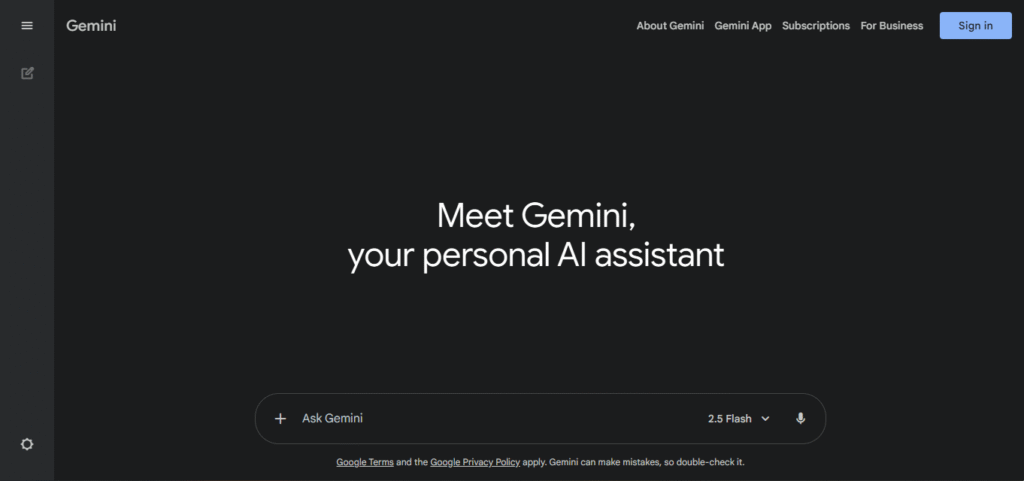
The Gemini web app can be accessed via any compatible desktop browser by visiting gemini.google.com. It is available in over 230 countries and territories, meaning that people from a wide range of locations across the globe can use it, depending on their local regulations and product availability.
2. Android Devices
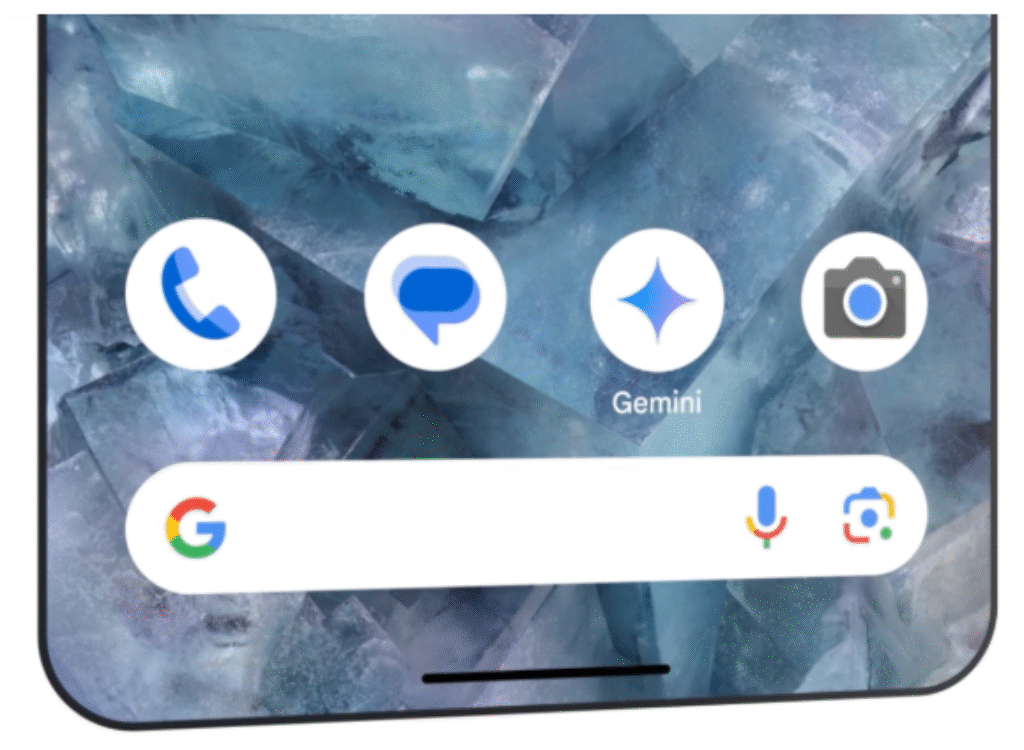
The Gemini app for Android can be downloaded from the Google Play Store. It works on Android devices running Android 10 or higher. The app is designed to function on a variety of Android phones and tablets. In supported regions, the Gemini app can replace Google Assistant as the main voice assistant on your device, offering features like AI-driven assistance and other smart services. However, this functionality may not be available everywhere, as it depends on where the service is rolled out and local laws.
3. iOS Devices
Gemini is also available for iOS devices (iPhone and iPad). To install it, users can download the app from the Apple App Store. The app works with devices running iOS 16 or newer. Just like on Android, it provides AI-powered assistance features, but it may not fully replace Siri unless in specific regions where that feature is enabled.
4. Other Integrations
Besides the standalone apps for mobile and desktop, Gemini’s features are also integrated into several other Google products. For example:
- Google Chrome: You can use Gemini’s capabilities within Chrome for enhanced browsing and voice commands.
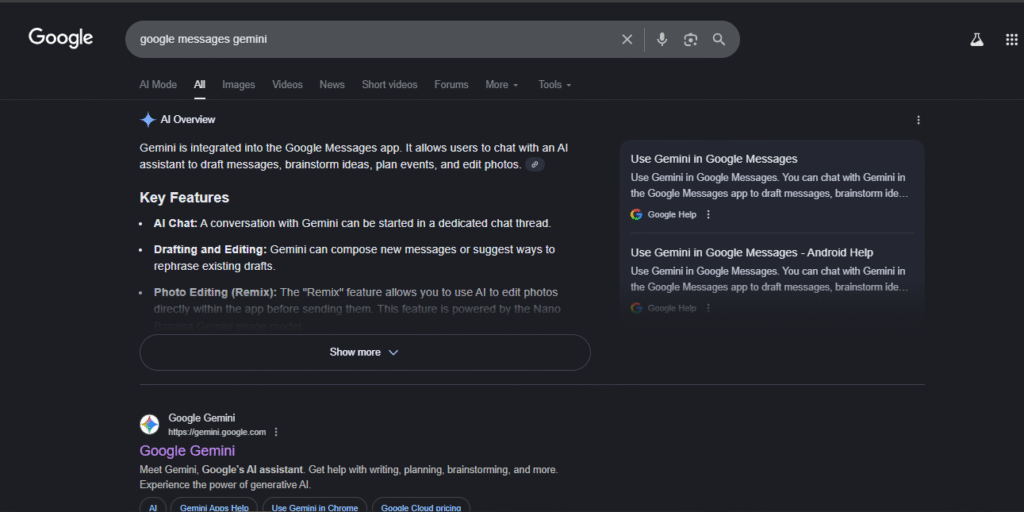
- Google Messages: You can integrate Gemini’s assistance into text-based conversations in Google’s messaging app.
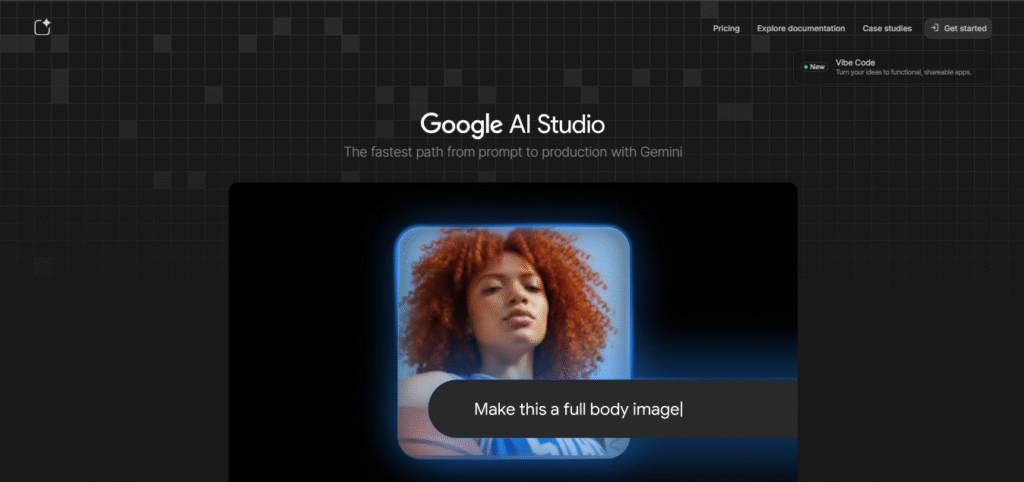
- Gemini API: Developers can access Gemini’s features via its API, which allows them to integrate Gemini’s functionality into other apps and services they are building.
In summary, Gemini is broadly available on the web, mobile (Android and iOS), and through integrations with various Google services, making it widely accessible. However, the full range of features might not be available in all countries due to regional product rollouts and regulations.
Ease of Use and Interface: It’s Simple to Get Started
Gemini is easy to use with a clean, uncluttered interface that requires a Google account for full functionality. The dashboard is centered around a text field, with a sidebar for chat history and a dropdown to switch between models. Sample prompts are provided to help new users get started with tasks like research, image creation, and creative writing.
- Simple Interface: The dashboard is designed to be straightforward and easy to use. It has a minimalist layout with a main text field for input and a sidebar on the left to view your chat history, so you can quickly navigate through past conversations.
- Account-based Functionality: You can use Gemini without signing in, but logging in gives you access to extra features. For instance, you’ll be able to switch between different models, use advanced capabilities like deep research, and save your chats for later reference. It’s perfect for users who need these extra tools.
- Getting Started: The main screen provides clickable sample prompts to help you understand how to use Gemini. These prompts are designed to give you a hands-on introduction to its capabilities, guiding you through different types of tasks, so you can start using it right away.
- Cross-platform Consistency: Whether you’re on the web or using the mobile app, Gemini offers the same seamless experience. Plus, it integrates smoothly with Google Workspace apps, so you can switch between platforms without any hassle.
- Model Switching: If you need to switch between different Gemini models, like Gemini 1.5 Flash or Pro, you can do so with just one click. This makes it easy to access the model that suits your needs best, whether you’re looking for speed or more in-depth research.
How to Start Using Gemini (Beginner Setup)
Step-by-step:
- Visit gemini.google.com
- Sign in with your Google account
- Choose your plan:
- Free: Basic Gemini (web only)
- Gemini Advanced: Uses Gemini 1.5 Pro ($19.99/month, bundled with Google One AI Premium)
- Start chatting like you would in WhatsApp.
- Optional: Install the Gemini app on Android (replaces the old Google Assistant)
💡 Bonus: In Gmail and Google Docs, enable “Help me write” to summon Gemini right inside your existing files.
Real-Life Use Cases (By Role)
Here’s how different roles can benefit from Gemini:
Students:
Gemini can help students with research, studying, and answering questions quickly. It’s like having a personal tutor available 24/7, making it easier to find information and understand complex topics faster.
Freelancers (Write Proposals Faster):
Freelancers can use Gemini to create proposals quickly. Instead of spending hours drafting, Gemini helps generate ideas, write content, and polish your proposals, saving you time so you can focus on more important tasks.
Startups:
Startups can use Gemini for market research, brainstorming ideas, writing content, and automating tasks. It helps small teams be more productive and get more done without the need for extra resources.
Enterprise Teams:
Large companies can use Gemini to streamline communication, generate reports, analyze data, and enhance collaboration across teams. It helps improve efficiency and allows employees to focus on higher-level strategic tasks.
These are just a few examples of how Gemini can help different roles by simplifying tasks and improving productivity, making it a valuable tool for anyone who needs fast and reliable support in their daily work.
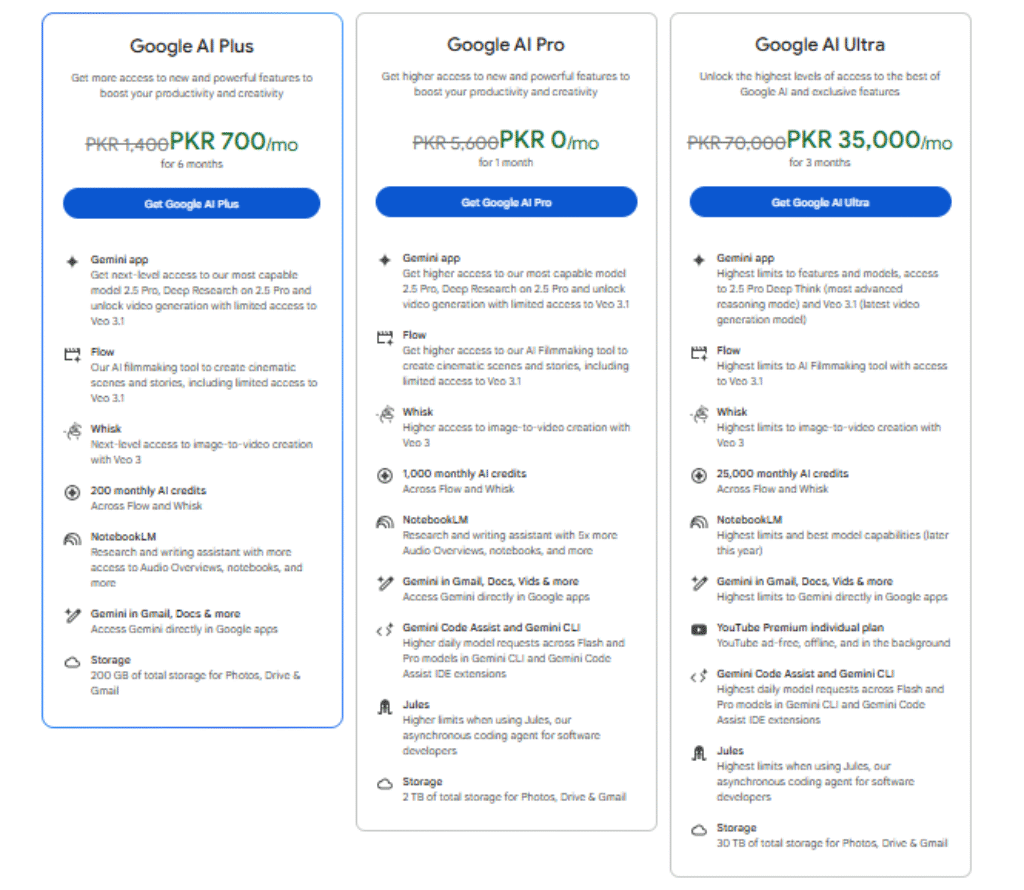
Gemini Pricing 2025
Pricing reflects full flexibility for individuals and organizations, offering value whether you’re just starting out or scaling up.
- Free Plan (Gemini 1.0): Basic features with text-only functionality; no cost.
- Gemini Advanced (Gemini 1.5 Pro): Offers long context, multimodal features, and integration with Google Workspace; $19.99/month.
- Enterprise Plan: Custom features with admin controls, Single Sign-On (SSO), and full Workspace integration; price varies based on requirements.
Gemini: Strengths vs Limitations
Getting the right balance means understanding where it shines and where it doesn’t.
| Strengths | Limitations |
| Strong integration with Google’s ecosystem (Workspace, Search, Drive) for smoother workflow. | Tends to work best with Google tools, less seamless with non‑Google platforms. |
| Multimodal capabilities: handles text, images, audio, and video in a unified way. | May still make mistakes, produce inaccurate or misleading information (“hallucinations”). |
| Ability to handle large context windows and deeper reasoning for complex inputs. | Performance may drop in very complex, multi‑step reasoning tasks or large data sets. |
| Fast and efficient for many day‑to‑day tasks and productivity use‑cases. | Advanced features often require a subscription or a premium tier; cost may be a barrier. |
| Broad language support and access to real‑time information via Google’s infrastructure. | Issues around bias, transparency, and explainability still exist due to training data and model architecture. |
Gemini vs Competitors
Here’s a clearer explanation of how each tool stacks up and a short comparison table for quick reference.
- Gemini is strong when you need up‑to‑date information and multimodal input (text, image, maybe audio), thanks to its connection with Google’s infrastructure. But to get its full power, you’ll likely need a paid plan.
- ChatGPT excels in creative writing, drafting proposals, code‑generation tasks, and general content. Its free version is very capable, but it doesn’t always include the latest live web data unless you pay.
- Claude is geared toward handling long documents and deep reasoning (large context windows). The trade‑off: it may not have strong real‑time web‑search or live data access.
- Perplexity offers answers with citations drawn from web sources, making it useful when you need to reference external facts. On the downside, it is less geared toward creative outputs.
- Microsoft Copilot integrates deeply with Microsoft 365 apps (Word, Excel, Teams), so it’s excellent for productivity within that ecosystem. But if you’re outside that ecosystem or want broad open‑use, you may feel constrained.
| Tool | Best At | Limitations |
| Gemini | Real‑time data + multimodal inputs | Full power often requires premium access |
| ChatGPT | Creative writing, coding, and general content | Free version lacks full live web updates |
| Claude | Long document reasoning, deep context | Limited real‑time web access |
| Perplexity | Fact‑based answers with web citations | Less strong in creative output |
| Microsoft Copilot | Native Microsoft 365 productivity tasks | Works best within the Microsoft ecosystem |
FAQs
How much does Gemini cost?
The basic version is free to use. For advanced features, you can upgrade to Gemini Advanced for $19.99 per month through the Google One AI Premium Plan.
Is Gemini better than ChatGPT?
It depends on what you need. If you’re someone who uses Google apps a lot, Gemini might be a better fit. However, if you’re looking for extensive plugin support and creativity in content creation, ChatGPT could be the way to go.
Is my data safe with Gemini?
Yes, your data is safe. Google gives you full control, including options to delete your data or use sessions privately.
Who should use Gemini?
Gemini is great for anyone who needs help with organizing tasks, writing, or analyzing information, especially if you’re already using Google Workspace.
Verdict – Gemini in 2025
Gemini is similar to ChatGPT but with the power of Google’s brain, making it quick, accurate, and seamlessly integrated with the tools you use every day. It’s great for students, content creators, business teams, and professionals who need reliable, real-time information.Expert Rating: ⭐ 4.8/5
Best for: Research, productivity, and Workspace users
Not ideal for: Offline use or purely creative tasks






