

Fotor has been around for years, growing into a widely used editing platform as it continues adding stronger AI features. Many users explore it for quick fixes, batch edits, and simple tools that work without a heavy learning curve. The platform aims to support daily photo editing with easy enhancements, background removal, retouch options, and automated improvements. After evaluating how it functions across different editing needs, it becomes clear what the tool handles well and which areas still need refinement.
Fotor is packed with tools that cover basic editing, AI enhancements, design templates, and even AI image generation. In this Fotor AI review, I will explain what Fotor offers, its pricing, use cases, and many other things.
What Is Fotor
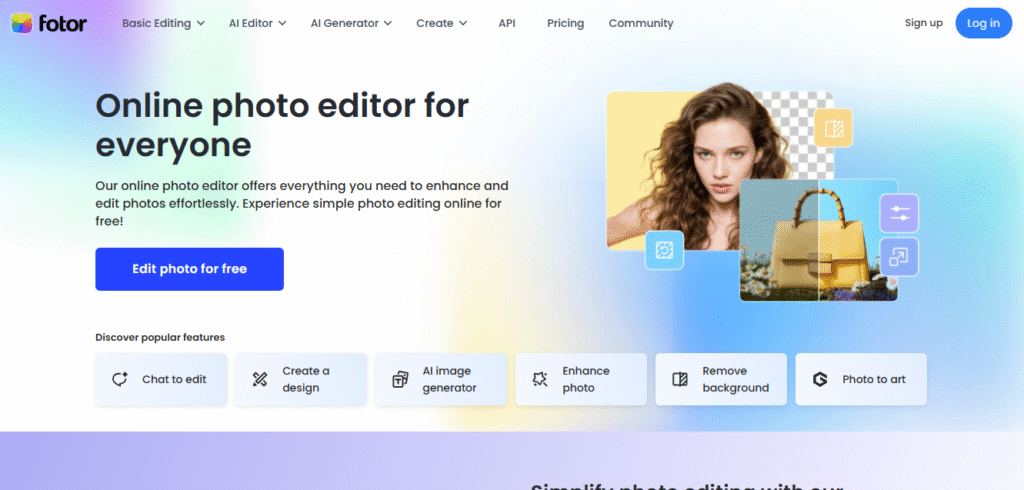
Fotor is an online photo editing and design platform that offers AI-powered tools for quick enhancements, retouching, background removal, and creative design work. It allows users to edit photos, create graphics, generate AI images, and manage daily content tasks without needing advanced editing skills. The platform works on web and mobile, making it easy for anyone to handle personal, business, or social media visuals.
Who Created Fotor
Fotor was created by Tony Duan. It was launched in 2012 and developed by a Chinese company. Fotor was created by Everimaging, a tech company that focuses on photo editing software and digital imaging tools. The team behind it has been building editing solutions since the early 2010s, and Fotor grew into one of their most well-known platforms. The company keeps updating the tool with AI features and improving both the web and mobile versions so users can edit fast without needing heavy software.
What Fotor AI Actually Offers
Fotor gives many features in one place. It helps users handle photo retouching, lighting adjustments, color correction, background replacement, and even AI art creation. The platform is available on the web and mobile, so you can switch between devices without losing work. Some tools are straightforward, while others need a little understanding. Here are the core features and how they perform in real use.
AI Photo Editor

The AI photo editor helps clean up photos with a click. It brightens faces, sharpens textures, and recovers some details. It works well for casual portraits and product shots. For professional-level accuracy, it sometimes smooths skin too much or boosts colors a bit more than needed, but the overall result stays usable. Many users who want quick edits will like how fast it works.
Background Remover
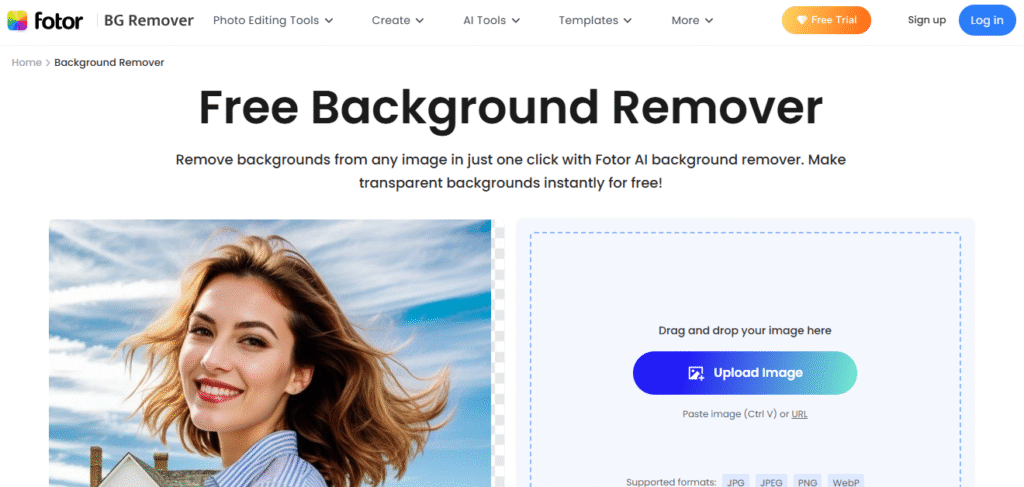
The background remover detects subjects and separates them from the background. It works effectively on people, pets, objects, and groups of items. Most edges appear clean, though complex areas like hair strands may need manual adjustment. This tool saves time by automating what would otherwise be a manual and time-consuming process.
AI Face Retouch
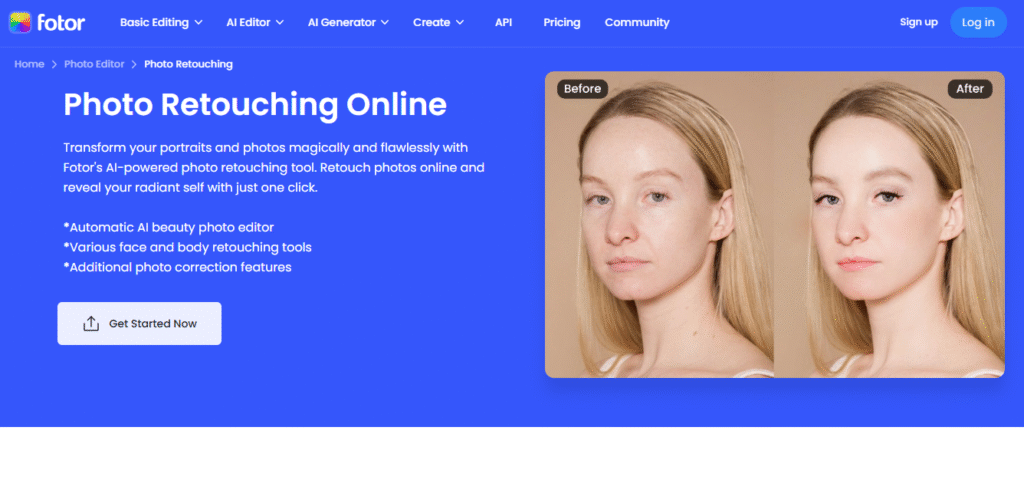
Fotor includes skin smoothing, blemish removal, eye brightening, and teeth whitening. The results look natural if you do not push the sliders too high. This is helpful for influencers, online sellers, and everyday users who want better selfies or portraits. The only issue is that it can over-retouch if you enable everything at once. Light touch works best.
AI Enhancer

This feature improves image clarity, contrast, and lighting. It works fine on landscapes and product photos. Some images get extra sharpness that looks a little artificial, so it helps to adjust the settings instead of relying on the automatic level. For users who work with low-quality photos, this tool becomes very helpful.
Design Templates

Fotor also gives templates for social posts, posters, ads, banners, invites, and story covers. Templates look modern. They help users who do not want to design from scratch. If you are making content daily for social media, the templates cut a lot of work. You just upload your photo, change the text, and export. It works better for casual graphics than for full branding projects.
AI Image Generator
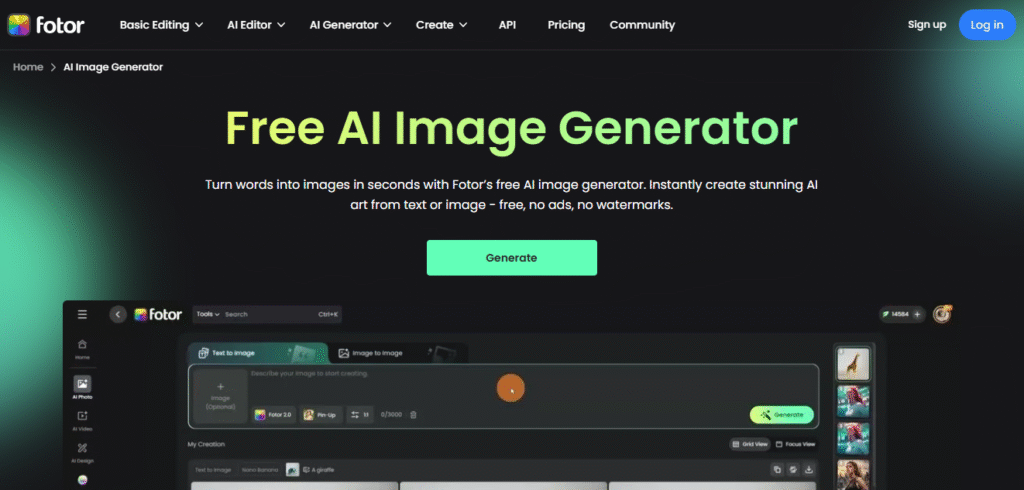
The AI image generator creates digital art based on text prompts, performing well for abstract concepts and creative visuals. It can produce clear ideas and usable placeholder images with minimal effort. While it handles simple and artistic prompts effectively, it may struggle with highly detailed or ultra-realistic scenes. Overall, it is a practical tool for generating quick concepts, design inspiration, and visual drafts.
Batch Editing
Fotor allows batch editing for resizing, filters, and simple adjustments. This is a time saver for users who handle large sets of photos. The interface is simple, though some advanced batch functions like watermark control, could be made more flexible.
Ease of Use
Fotor offers a clean, well-organized interface that makes its tools easy to access. Real-time previews help users see edits before applying them, reducing mistakes. The platform has a short learning curve, allowing quick, polished results even for beginners. While the mobile layout feels slightly crowded, it still remains simple to navigate and use effectively.
Pricing and Plans
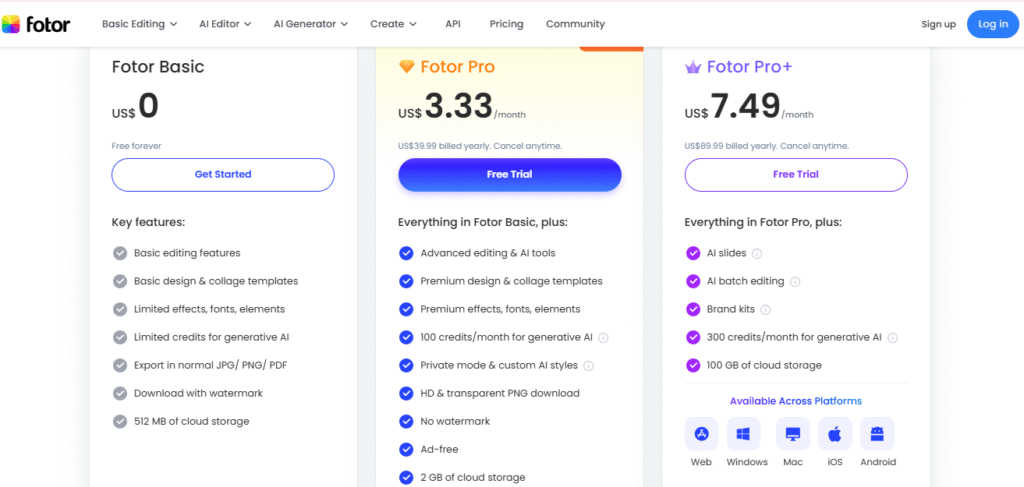
Here is a clearer view of Fotor pricing based on what the platform currently offers.
| Plan | Features | Price |
| Free Plan | Basic editor, limited AI tools, standard templates, small export sizes | Free |
| Fotor Pro | HD downloads, full AI tools, premium templates, advanced retouching, background remover (full), batch editing | 3.33$/month |
| Fotor Pro+ | All Pro features + larger cloud storage and extended AI functionality | 7.49$/month |
Pricing may change depending on region and offers.
Can It Handle Daily Photo Editing
Yes, Fotor can handle daily editing tasks for regular users, small business owners, casual photographers, and content creators. It covers most things you need day to day like cropping, color correction, retouching, and background cleanup.
If someone works in professional photography, they might miss some advanced control layers like histograms, RAW editing depth, and masking precision. But for 80 percent of daily edits, Fotor performs fast and smoothly.
Users who post daily on platforms like Instagram, Facebook, TikTok, Pinterest, or marketplaces like Etsy will find it good enough.
Pros and Cons
| Pros | Cons |
| Simple interface that is easy to learn | Some AI edits sharpen images too much |
| Clean background removal results | A bit of over-smoothing in portraits sometimes |
| Works well for daily editing tasks | Professionals may want deeper manual controls |
| Batch editing saves time | Mobile version feels slightly packed |
| Good for social posts and product photos | Some features are locked behind a subscription |
Competitor Comparison
Fotor competes with tools like Canva, Photoshop Express, and Ideogram. Canva focuses on design templates and social media content but lacks deep AI editing for photos. Photoshop Express offers more advanced photo control but has a steeper learning curve and fewer AI generation features. Ideogram specializes in AI-generated images with text-to-image creation and realistic scene building, making it stronger for digital art but less practical for quick daily edits or batch processing. Fotor sits between these tools, offering both easy photo edits and AI creative features, balancing simplicity and functionality.
Who Should Use Fotor AI
Fotor is made for people who want quick editing without learning complicated tools. Social media creators, small business owners, beginners, online sellers, freelancers, and bloggers will enjoy its speed. If you need a tool that solves photo issues with minimum effort, this one works.
People who want deep manual control might prefer tools like Photoshop or Lightroom. But these programs need skill. Fotor offers something easier.
FAQs
Can I use Fotor for product photography?
Yes, the background remover and retouch tools help clean product images for online shops.
Does Fotor allow RAW editing?
It supports RAW files, but the controls are not as deep as advanced editing programs.
Are the AI tools unlimited?
No, the free plan has limits. The paid plan gives more credits and better quality outputs.
Is Fotor safe to use online
Yes, it runs in the cloud and stores work in your account if you log in.
Final Thoughts
Fotor functions as a reliable daily editing tool for a wide range of users. It offers a simple, fast interface with features designed to save time, making photo enhancements and design tasks easy to manage. While the AI tools are not flawless, they provide valuable support for quick improvements and creative work. The platform handles everyday editing needs efficiently without unnecessary complexity. Although it may not replace advanced, professional-grade software, it delivers clean results and practical tools that suit casual users, content creators, and anyone needing fast, polished visuals.





